Text
A simple node that lets you add and edit text content in your workflow. Perfect for prompts, configuration, or any text-based input.
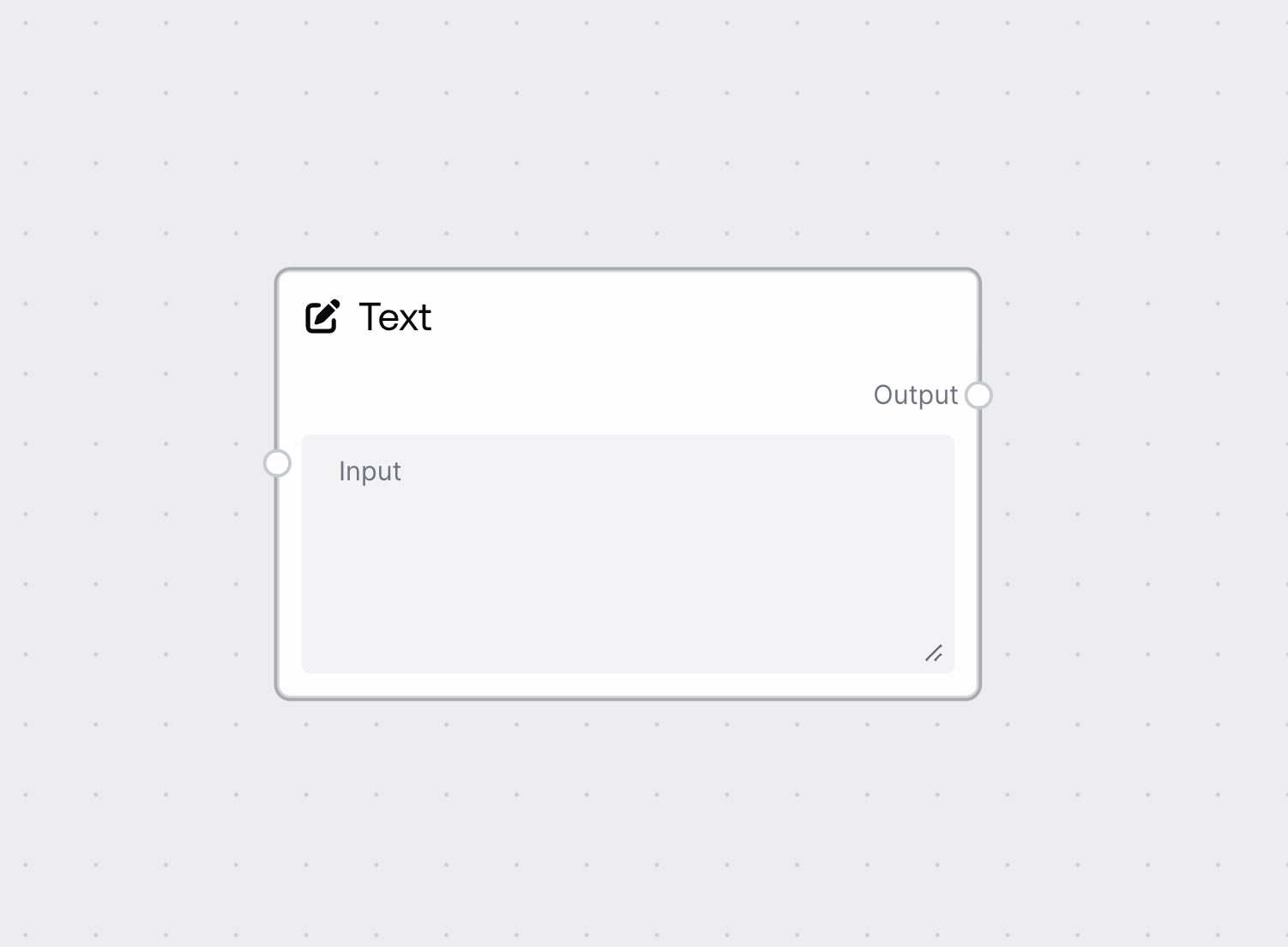
Quick Start
- Add Text Input node to your workflow
- Click the text field to start typing
- Enter your desired text content
- Connect to nodes that process text
Basic Usage
Single Line Text
- Type directly into the field
- Press Enter to confirm
- Great for simple prompts or commands
Multi-Line Text
- Click and drag field corner to expand
- Support for multiple paragraphs
- Useful for longer content or formatting
Configuration
Required Inputs
| Field | Description | Type | Example |
|---|---|---|---|
| Text | Your text content | String | Hello world! |
Outputs
| Field | Description | Example |
|---|---|---|
| TEXT | Entered text content | Your input text |
Best Practices
Content Entry
- Be clear and concise
- Check spelling and formatting
- Consider downstream node requirements
Text Formatting
- Use appropriate line breaks
- Keep formatting consistent
- Consider character limits
Troubleshooting
Common Issues
- Empty Output: Default blank text will be used
- Formatting Lost: Check for unsupported characters
- Connection Error: Verify receiving node accepts text
Need Help?
- Review text formatting guidelines
- Check node connection compatibility
- Consult workflow examples